GTA IV / 皮肤 / 完整服装
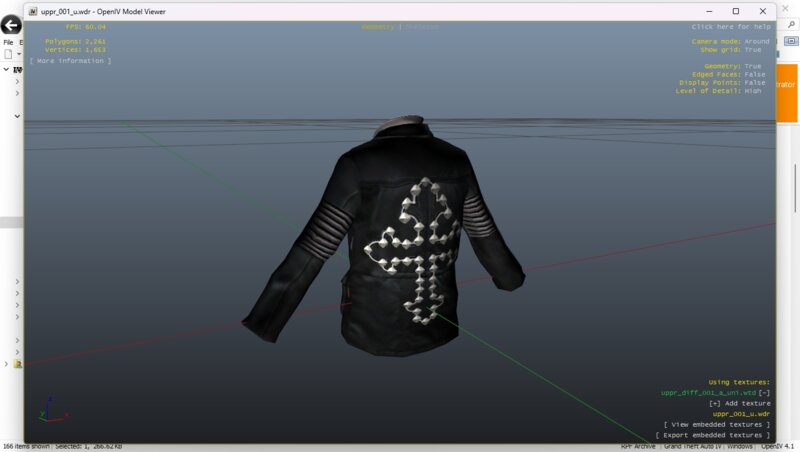
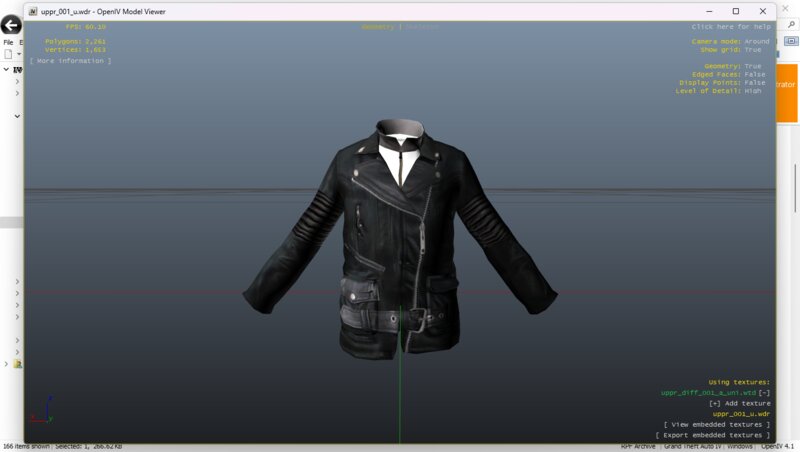
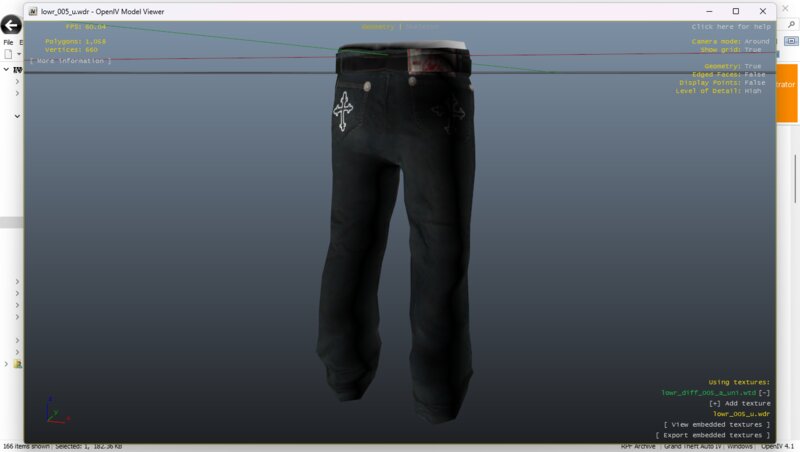
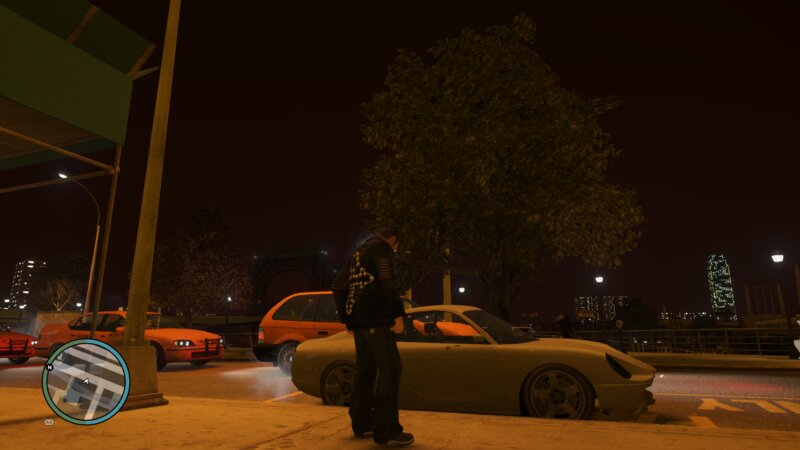
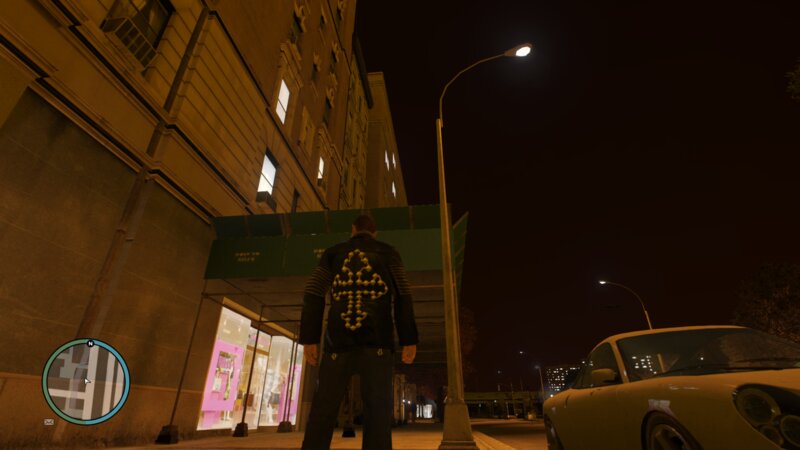
False Belief Biker Set (Inspired by True Religion ©)
- 176zombie | 上传者: 176zombie
- 02/12/2025
- 1624 下载量
评分:
请先登录。
收藏夹:
Videos
尚未添加任何视频。你需要先登录才能为该 Mod 添加视频。
描述
False Belief Biker Set (Inspired by True Religion ©)
Installation:
1. Run "OpenIV" as an administrator.
2. Go to pc
3. Go to models
4. Go to cdimages
5. Got to playerped.pdf
6. Click "Edit Mode" next to the search bar.
7. Find "uppr_diff_001_a_uni.wtd" & double click it.
8. Click replace on the top right.
9. Find uppr_diff_001_a_uni_falsebelief.png & double click it.
10. Click Save on the bottom right.
11. Find "lowr_diff_005_b_uni.wtd" & double click it.
12. Click replace on the top right.
13. Find lowr_diff_005_b_uni_falsebelief.png & double click it.
14. Click Save on the bottom right & that's it, enjoy !
Credit:
UfuseProductions: L.K & Polkien
https://www.gtainside.com/en/gta4/skins/70844-grey-and-blue-jeans-grey-and-brown-timberlands/#google_vignette
Timberland styled boots where only used for the screenshots and are not apart of the False Belief Set. The boots must be installed separately.
Installation:
1. Run "OpenIV" as an administrator.
2. Go to pc
3. Go to models
4. Go to cdimages
5. Got to playerped.pdf
6. Click "Edit Mode" next to the search bar.
7. Find "uppr_diff_001_a_uni.wtd" & double click it.
8. Click replace on the top right.
9. Find uppr_diff_001_a_uni_falsebelief.png & double click it.
10. Click Save on the bottom right.
11. Find "lowr_diff_005_b_uni.wtd" & double click it.
12. Click replace on the top right.
13. Find lowr_diff_005_b_uni_falsebelief.png & double click it.
14. Click Save on the bottom right & that's it, enjoy !
Credit:
UfuseProductions: L.K & Polkien
https://www.gtainside.com/en/gta4/skins/70844-grey-and-blue-jeans-grey-and-brown-timberlands/#google_vignette
Timberland styled boots where only used for the screenshots and are not apart of the False Belief Set. The boots must be installed separately.
评论
目前已发表了 0 条评论。