GTA IV / 武器 / 其他武器
RSH-12 "Requiem"
- N4SPEED GTA | 上传者: N4SPEED GTA
- 04/08/2026
- 1309 下载量
评分:
请先登录。
收藏夹:
视频
尚未添加任何视频。你需要先登录才能为该 Mod 添加视频。
描述
RSH-12 "Requiem"
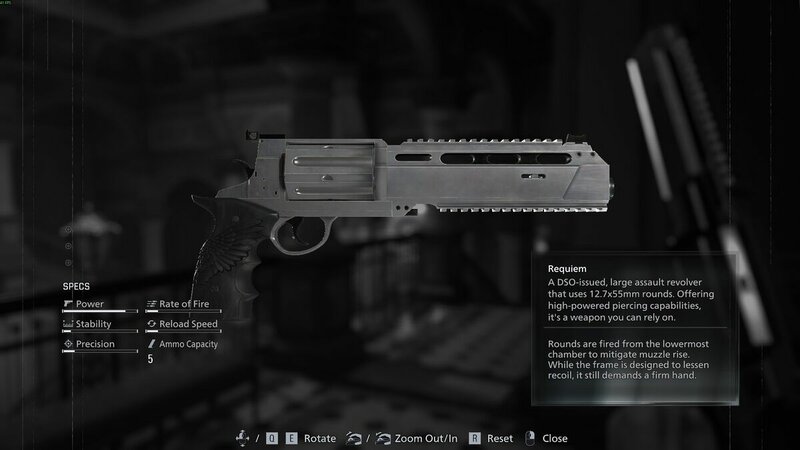
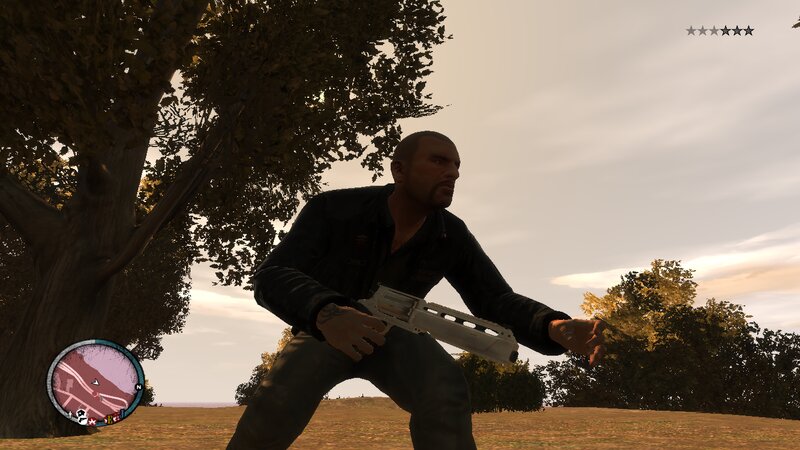
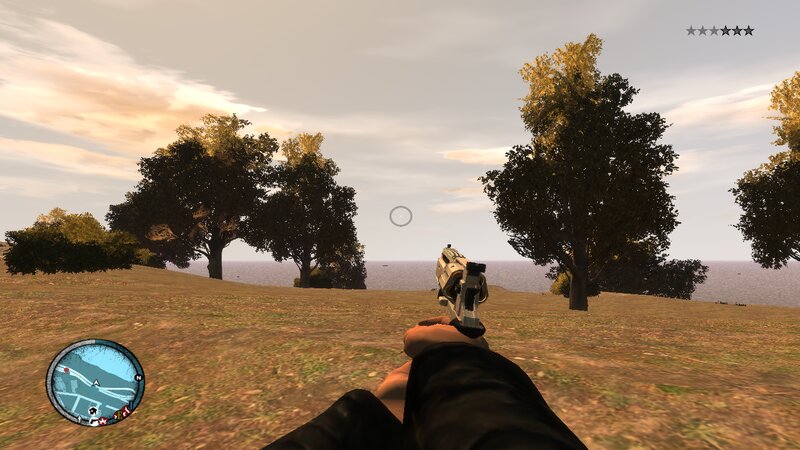
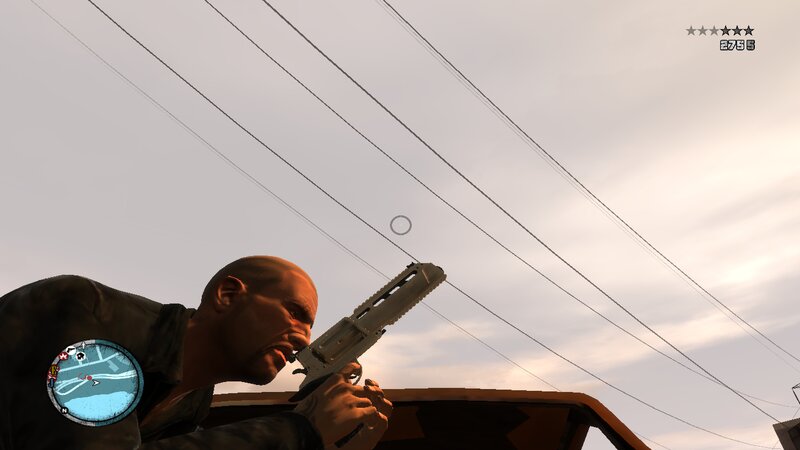
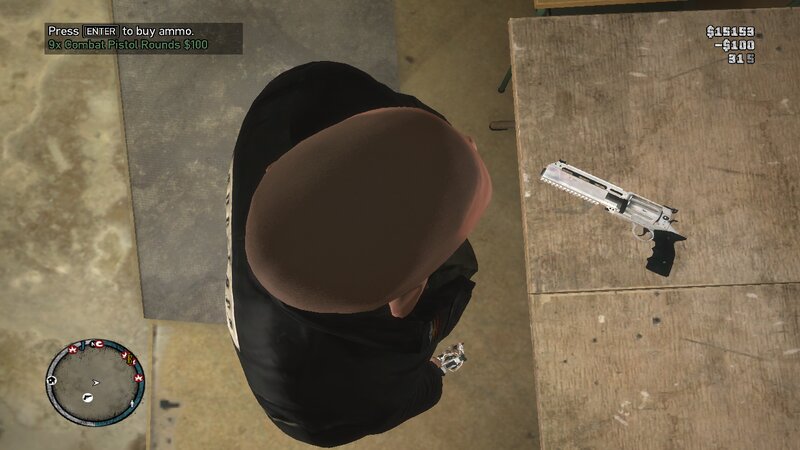
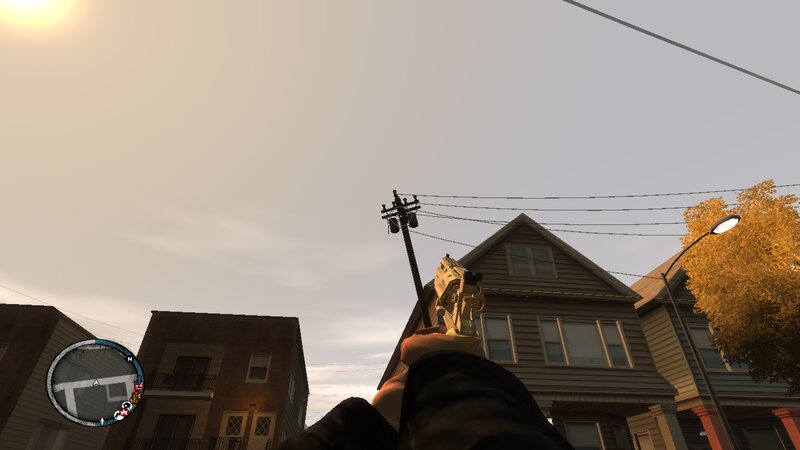
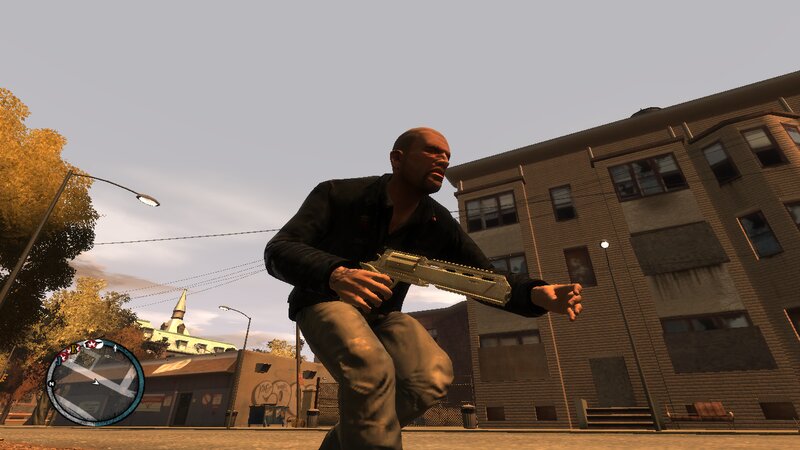
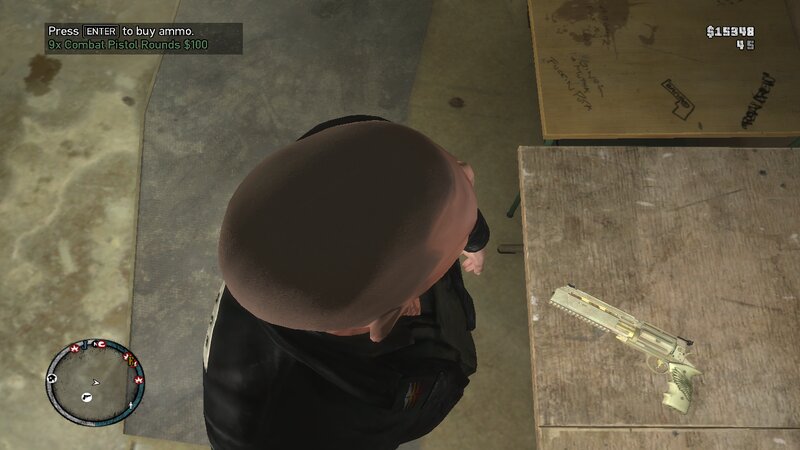
Add to GTA: IV and Episodes from Liberty City new powerful weapon from the game Resident Evil Requiem. The weapon has improved characteristics and fits perfectly into the gameplay.
Features:
-High quality textures and models.
-Increased damage, accuracy and clip capacity.
-No issuses during the story missions of GTA IV or EFLC.
INSTALLATION INSTRUCTIONS:
-First make a backup copy of your game files before starting the installation.
-With Open IV locate the game's installation folder and move to "pc/models/cdimages/(weapons.img)".
-Enable Edit mode under the File submenu,Then open "weapons.img" to replace "w_eagle.wdr and w_eagle.wtd".
-After that copy the new file "WeaponInfo.xml" and move to "common/data/(Paste and replace the original file).
-Launch the game and enjoy your new weapons!
Add to GTA: IV and Episodes from Liberty City new powerful weapon from the game Resident Evil Requiem. The weapon has improved characteristics and fits perfectly into the gameplay.
Features:
-High quality textures and models.
-Increased damage, accuracy and clip capacity.
-No issuses during the story missions of GTA IV or EFLC.
INSTALLATION INSTRUCTIONS:
-First make a backup copy of your game files before starting the installation.
-With Open IV locate the game's installation folder and move to "pc/models/cdimages/(weapons.img)".
-Enable Edit mode under the File submenu,Then open "weapons.img" to replace "w_eagle.wdr and w_eagle.wtd".
-After that copy the new file "WeaponInfo.xml" and move to "common/data/(Paste and replace the original file).
-Launch the game and enjoy your new weapons!
评论
目前已发表了 0 条评论。