GTA V / 汽车 / 公交车
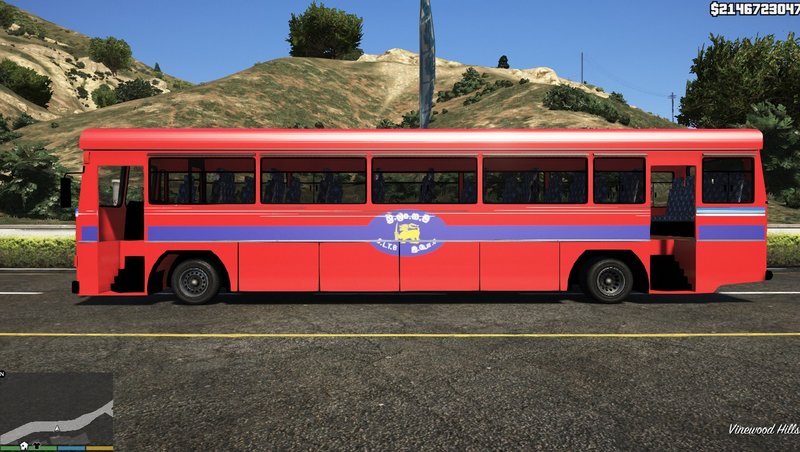
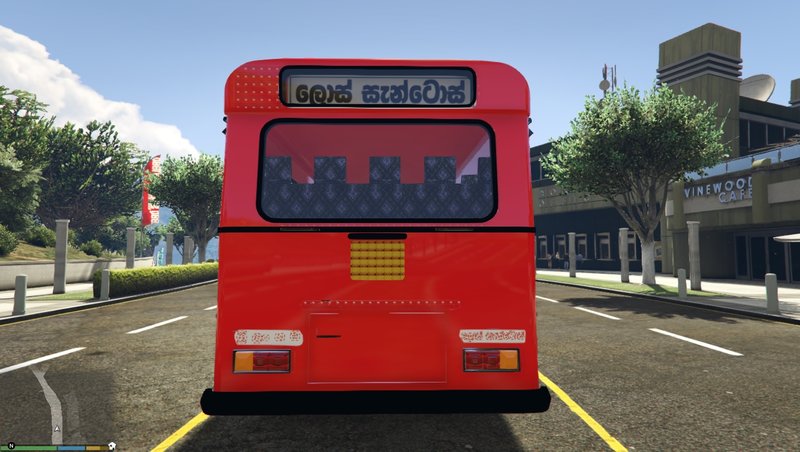
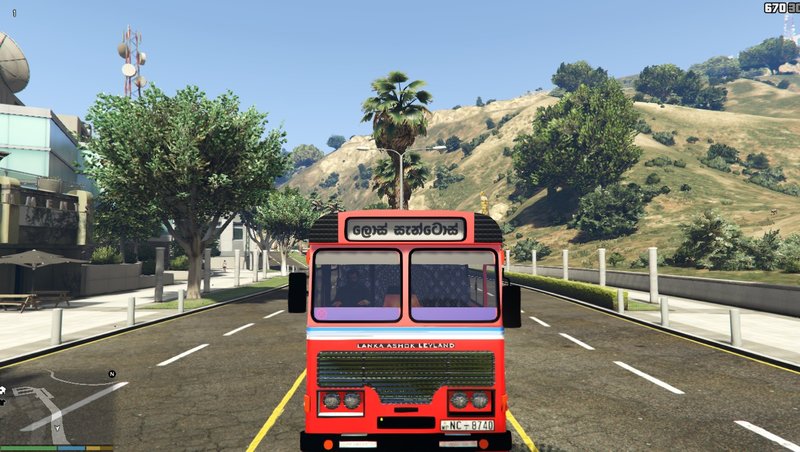
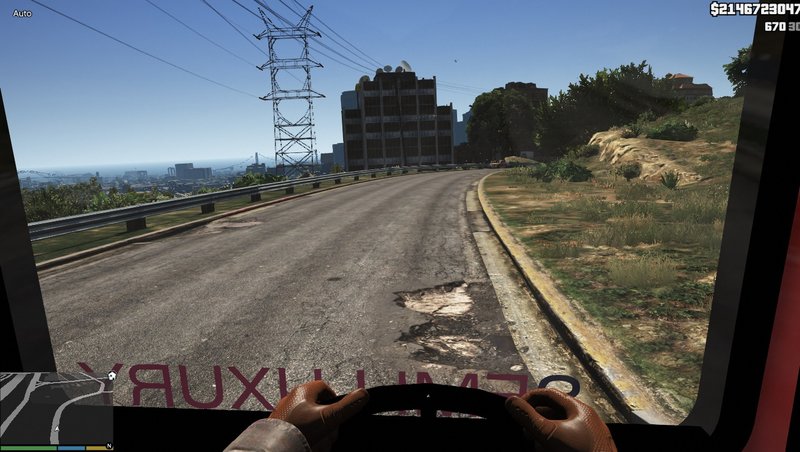
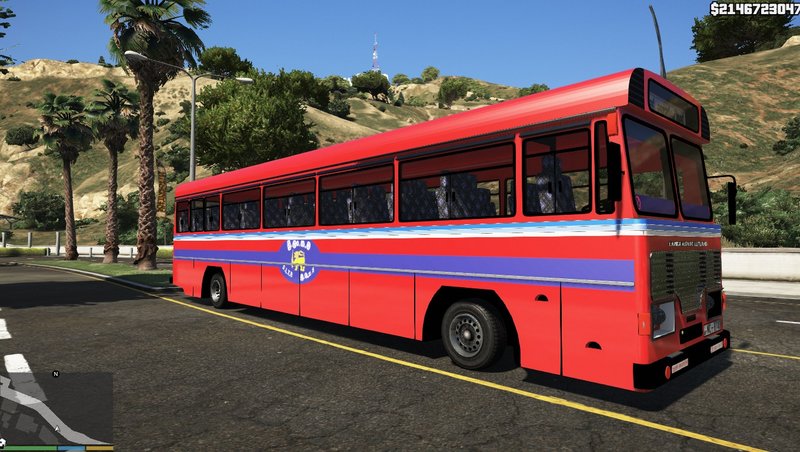
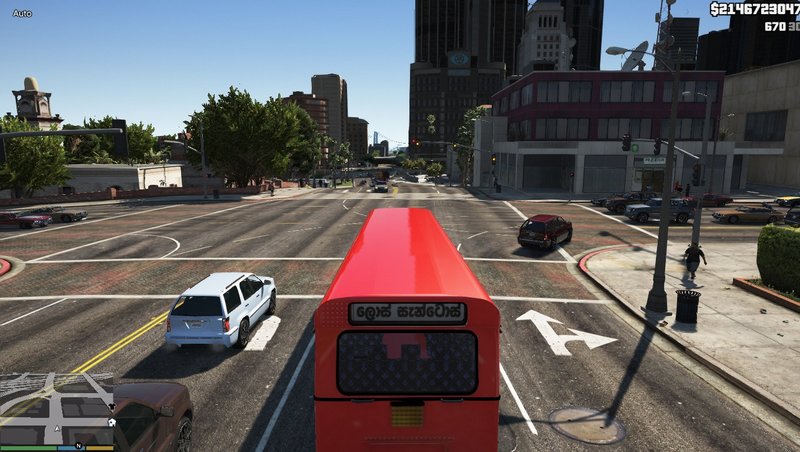
CTB (Sri Lankan) Bus - ශ්රී.ලං.ග.ම බස් රථය
- Mahesh Dahampath
- facebook.com/mahesh.dahampa...
- 07/05/2018
- 2839 下载量
评分:
请先登录。
收藏夹:

Videos
尚未添加任何视频。你需要先登录才能为该 Mod 添加视频。
描述
ඉන්ස්ටෝල් කරන ආකාරය සිංහලෙන් සරලව, පහැදිලිව ෆයිල් එක තුල PDF එකකින් විස්තර කර ඇත.
Requirements
1. Scripthookv - https://www.gta5-mods.com/tools/script-hook-v
2. OpenIV - http://openiv.com
Installation
1. Install “ScripthookV” & “OpenIV”.
2. Extract “CTB” rar/zip file.
3. Install all “ASI Managers” and that will make a “mods” folder in your “GTA 5” folder. If you already have a “mods” folder skip this step.
4. Minimize “OpenIV” and go to “GTA 5” folder via “My computer/This PC”. Copy “x64e” folder to mods folder.
5. Go to “OpenIV” and Enable “edit mode”.
6. In “OpenIV”, Go to,
“mods\x64e.rpf\levels\gta5\vehicles.rpf\”.
Drag and drop all files in extracted “CTB>>Mod files” folder to that.
7. Run “GTA 5”.
8. Get “air bus” from any trainer.
Terms & conditions
Do not edit/mod/post anywhere this mod without my permission.
Credits
“Alexander Blade” for “ScripthookV”
“OpenIV” team for “OpenIV”
Thank You for downloading this mod
Don’t forgot to like, comment, 5-star vote & share.
Created By – MAHESH BANDARA DAHAMPATH
Requirements
1. Scripthookv - https://www.gta5-mods.com/tools/script-hook-v
2. OpenIV - http://openiv.com
Installation
1. Install “ScripthookV” & “OpenIV”.
2. Extract “CTB” rar/zip file.
3. Install all “ASI Managers” and that will make a “mods” folder in your “GTA 5” folder. If you already have a “mods” folder skip this step.
4. Minimize “OpenIV” and go to “GTA 5” folder via “My computer/This PC”. Copy “x64e” folder to mods folder.
5. Go to “OpenIV” and Enable “edit mode”.
6. In “OpenIV”, Go to,
“mods\x64e.rpf\levels\gta5\vehicles.rpf\”.
Drag and drop all files in extracted “CTB>>Mod files” folder to that.
7. Run “GTA 5”.
8. Get “air bus” from any trainer.
Terms & conditions
Do not edit/mod/post anywhere this mod without my permission.
Credits
“Alexander Blade” for “ScripthookV”
“OpenIV” team for “OpenIV”
Thank You for downloading this mod
Don’t forgot to like, comment, 5-star vote & share.
Created By – MAHESH BANDARA DAHAMPATH
评论
目前已发表了 1 条评论。