精选
GTA V / 汽车 / 科尼赛克
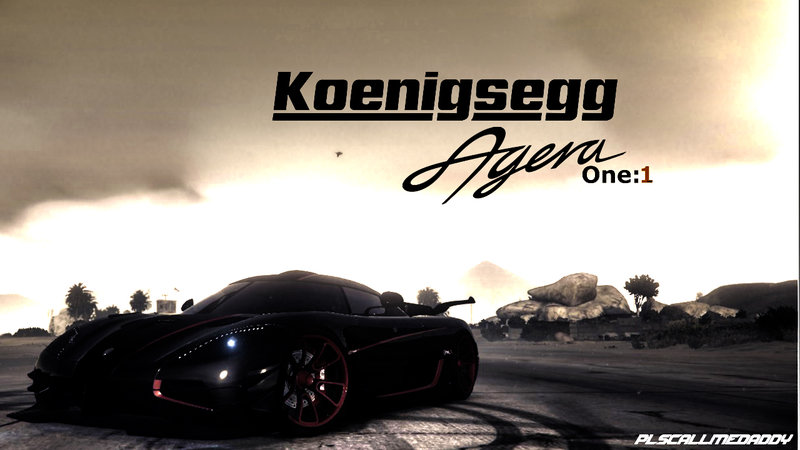
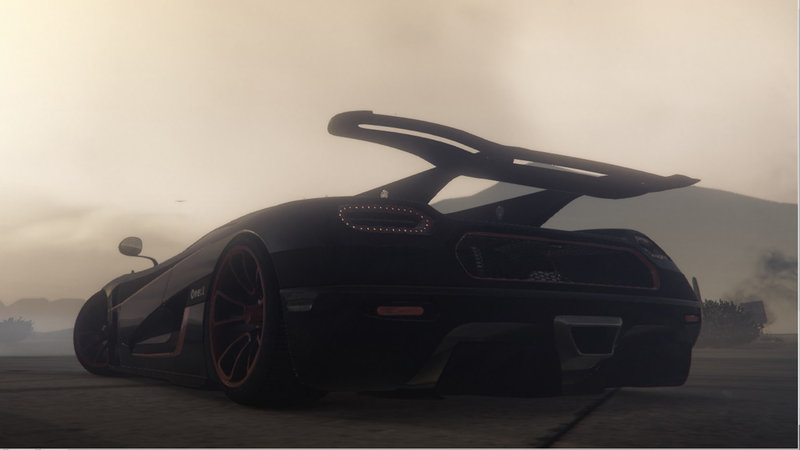
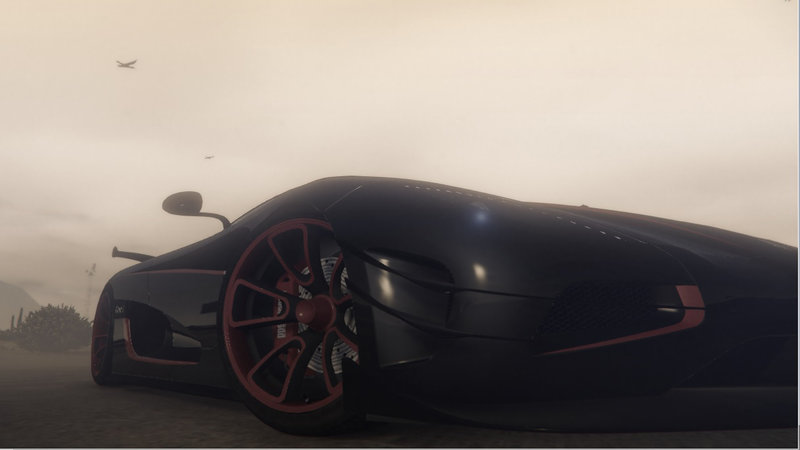
Koenigsegg Agera One v1.0 Add-On
- PlsCallMeDaddy
- 08/03/2017
- 28539 下载量
评分:
请先登录。
收藏夹:
Videos


你需要先登录才能为该 Mod 添加视频。
描述
MODDED BY PLSCALLMEDADDY
THIS MOD IS FREE AND WILL REMAIN FREE, IF YOU DO SHARE THIS MOD, I ONLY ASK FOR THE CREDITS
- This is my first mod for this game - Any feedback and help would be GREAT!!
Installation: Quite simple
Step 1. Copy the "ageraone" folder to "Grand Theft Auto V\mods\update\x64\dlcpacks"
Step 2. Open "OpenIV" and enable Edit Mode ( Or simply Press F6 )
Step 3. Once it's opened, open this file -----> dlclist.xml <----- which is located here "mods\update\update.rpf\common\data"
Step 4. Now, scroll down until you see the section. Once you do, you're going to add a new line which will be this one right below
dlcpacks:\ageraone\
Step 5. Save it
Step 6. In the same location, you should see the "extratitleupdatedata.meta" file. Open it.
Step 7. Scroll down for the once more. Add this line in there and make sure it matches other scripts
dlc_ageraone:/update:/dlc_patch/ageraone/
ENJOY!! To spawn it, use a vehicle spawner trainer, and type ----> ageraone
THIS MOD IS FREE AND WILL REMAIN FREE, IF YOU DO SHARE THIS MOD, I ONLY ASK FOR THE CREDITS
- This is my first mod for this game - Any feedback and help would be GREAT!!
Installation: Quite simple
Step 1. Copy the "ageraone" folder to "Grand Theft Auto V\mods\update\x64\dlcpacks"
Step 2. Open "OpenIV" and enable Edit Mode ( Or simply Press F6 )
Step 3. Once it's opened, open this file -----> dlclist.xml <----- which is located here "mods\update\update.rpf\common\data"
Step 4. Now, scroll down until you see the section. Once you do, you're going to add a new line which will be this one right below
dlcpacks:\ageraone\
Step 5. Save it
Step 6. In the same location, you should see the "extratitleupdatedata.meta" file. Open it.
Step 7. Scroll down for the once more. Add this line in there and make sure it matches other scripts
dlc_ageraone:/update:/dlc_patch/ageraone/
ENJOY!! To spawn it, use a vehicle spawner trainer, and type ----> ageraone
评论
目前已发表了 4 条评论。