Videos
尚未添加任何视频。你需要先登录才能为该 Mod 添加视频。
描述
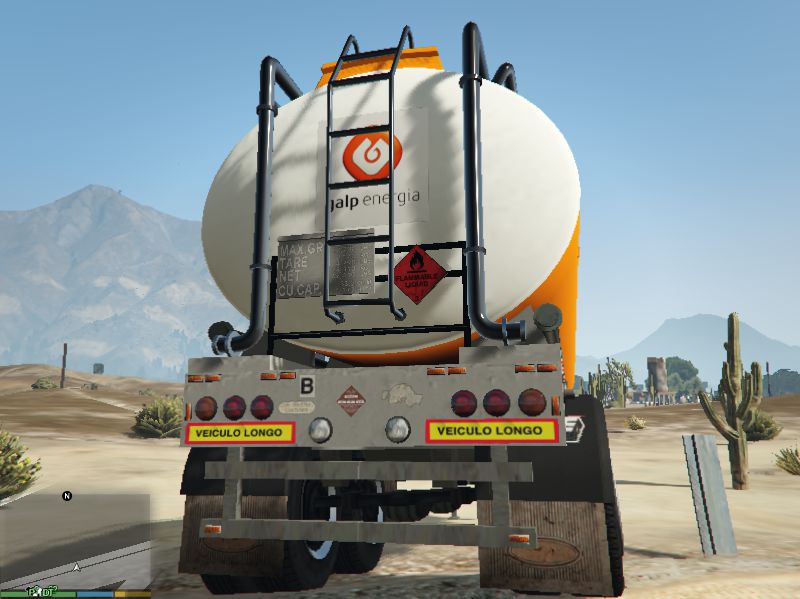
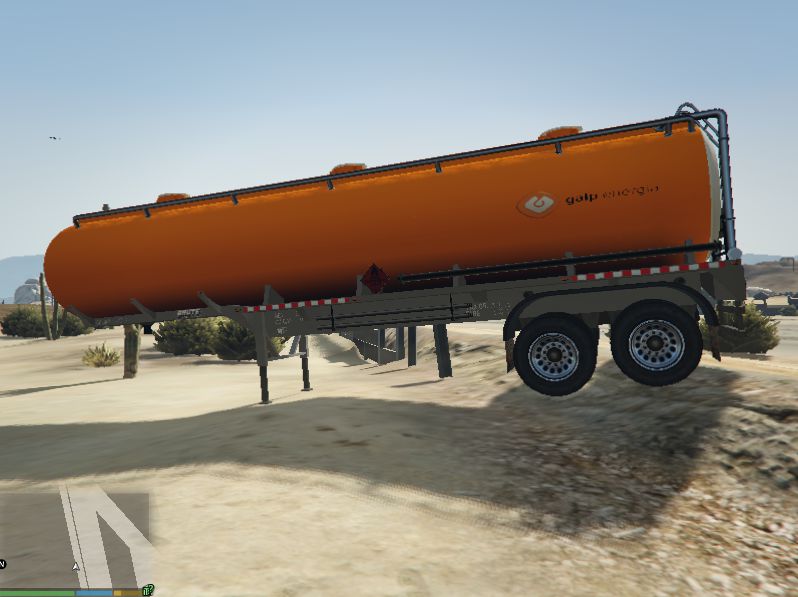
Portuguese Lorries Pack By MechanicWB
How to Install:
1- Download the latest version of OpenIV program from openiv.com address.
2- After installing the program you will see a window for selecting game. Select GTA V Windows version.
3- Select GTA5.exe folder and click continue.
4- Now, you will see the files of the game. Click on Edit Mode button found on the upper part of the program.
5- Copy the files on the folders "Portuguese Galp Petrol Tank". Open the folder where you will copy the files, drag and drop them.
6- Grand Theft Auto 5\update\x64\dlcpacks\patchday2ng\dlc.rpf\x64\levels\gta5\vehicles.rpf
PLEASE CONSIDER A DONATION :) THANK YOU!!
How to Install:
1- Download the latest version of OpenIV program from openiv.com address.
2- After installing the program you will see a window for selecting game. Select GTA V Windows version.
3- Select GTA5.exe folder and click continue.
4- Now, you will see the files of the game. Click on Edit Mode button found on the upper part of the program.
5- Copy the files on the folders "Portuguese Galp Petrol Tank". Open the folder where you will copy the files, drag and drop them.
6- Grand Theft Auto 5\update\x64\dlcpacks\patchday2ng\dlc.rpf\x64\levels\gta5\vehicles.rpf
PLEASE CONSIDER A DONATION :) THANK YOU!!
评论
目前已发表了 0 条评论。