视频
尚未添加任何视频。你需要先登录才能为该 Mod 添加视频。
描述
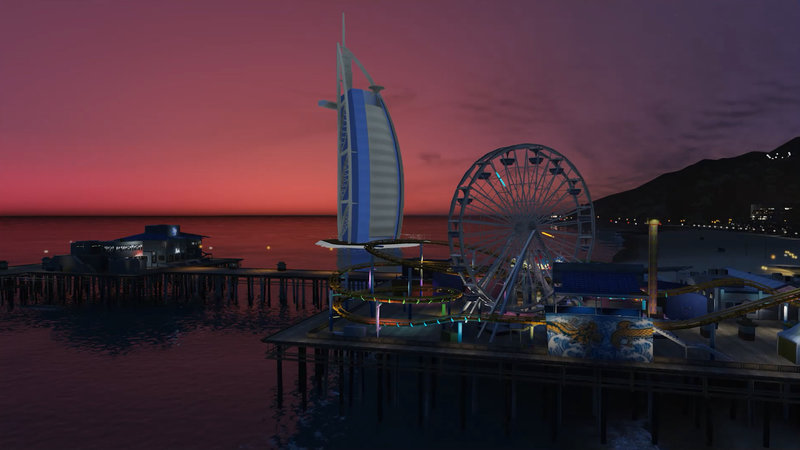
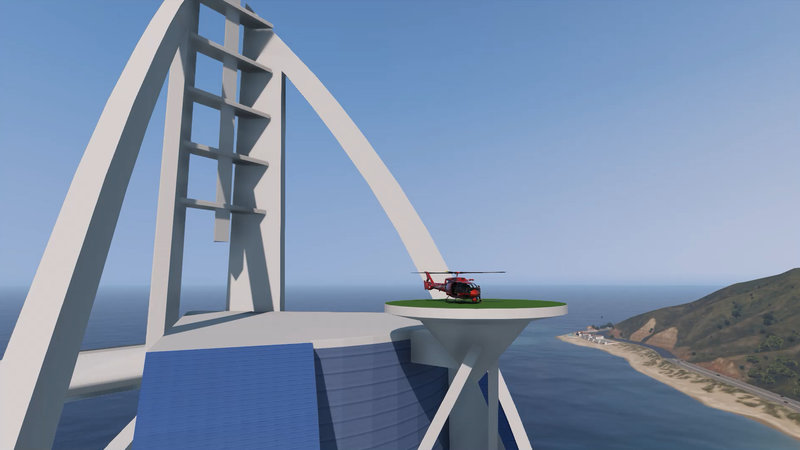
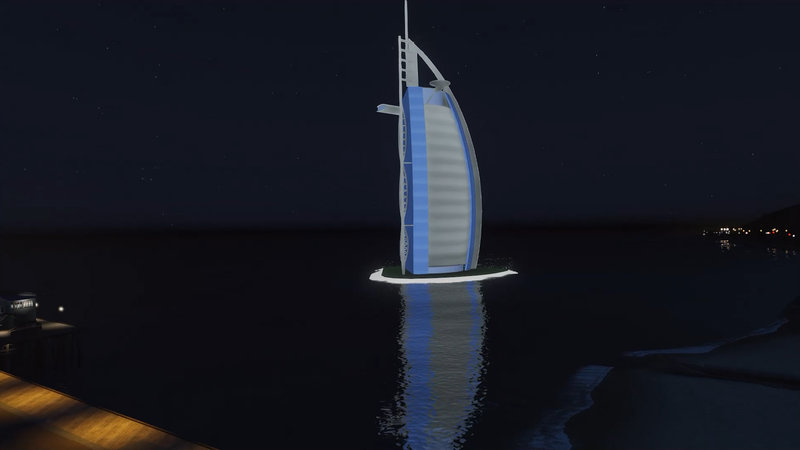
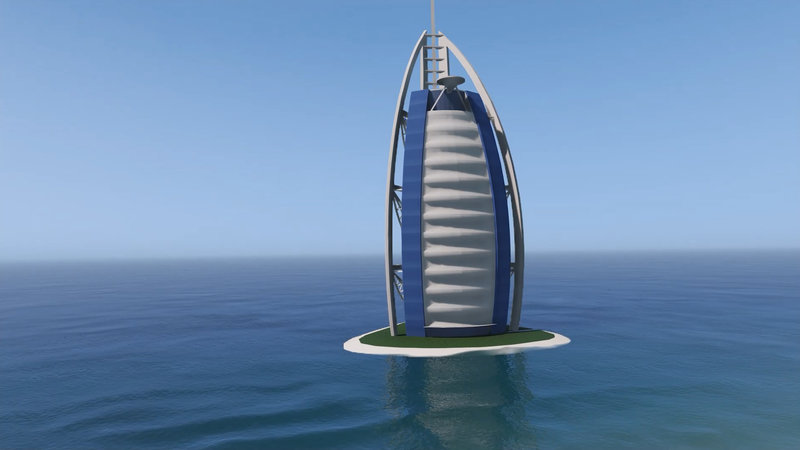
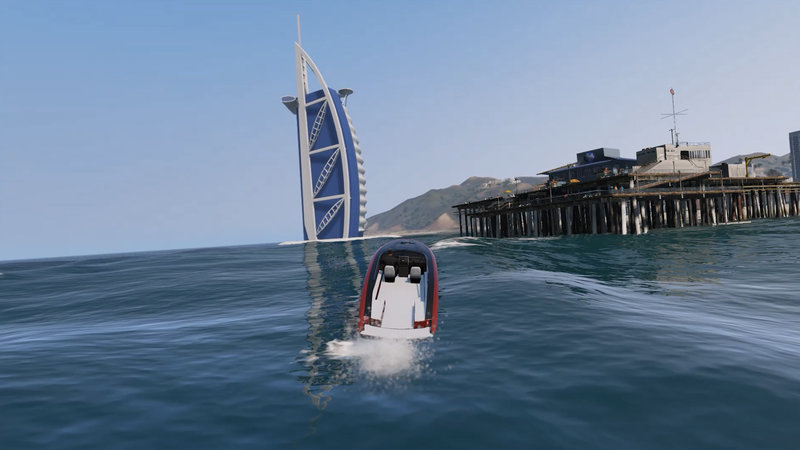
Burj Al Arab Hotel Dubai [Emissive Add-On Replace]
Drawing and Import/Transfer into the Game: Z@gor
Installation:
[ADDON PROPS METHOD - RECOMMENDED]
https://www.gta5-mods.com/tools/addonprops
Put 'burj_al_arab' in dlcpacks -> addonprops -> dlc.rpf -> props.rpf
Open AddonProps Editor -> Props Tab -> Add Prop (JSON)
Paste the code below:
{"PropName":"burj_al_arab","TextDict":"Embedded","LodDist":"2000,0","SpecialAttr":"0","Flags":"479685863"}
Click "Add Prop" -> "Rebuild" and put def_props.ytyp generated to update\x64\dlcpacks\addonprops\dlc.rpf\props.rpf
Download Map Editor from this link and install
https://www.gta5-mods.com/scripts/map-editor
Copy burj_al_arab.xml file into the Grand Theft Auto V folder
Open the ObjectList.ini file in Grand Theft Auto V\scripts folder and add the "burj_al_arab" command
Open the map editor during the game and load the burj_al_arab.xml file
Done
--------------------------------------------------------
[REPLACE METHOD - NOT RECOMMENDED]
Just replace an object.
For example : x64g.rpf/levels/gta5/generic/cutsobjects.rpf and replace any .ydr file and spawn in-game.
Be aware that depending on the object you replace, the LOD can't work well and also the collision, so use the AddonProps method.
This mod has been created with Zmodeler3. Thank you Oleg.
Drawing and Import/Transfer into the Game: Z@gor
Installation:
[ADDON PROPS METHOD - RECOMMENDED]
https://www.gta5-mods.com/tools/addonprops
Put 'burj_al_arab' in dlcpacks -> addonprops -> dlc.rpf -> props.rpf
Open AddonProps Editor -> Props Tab -> Add Prop (JSON)
Paste the code below:
{"PropName":"burj_al_arab","TextDict":"Embedded","LodDist":"2000,0","SpecialAttr":"0","Flags":"479685863"}
Click "Add Prop" -> "Rebuild" and put def_props.ytyp generated to update\x64\dlcpacks\addonprops\dlc.rpf\props.rpf
Download Map Editor from this link and install
https://www.gta5-mods.com/scripts/map-editor
Copy burj_al_arab.xml file into the Grand Theft Auto V folder
Open the ObjectList.ini file in Grand Theft Auto V\scripts folder and add the "burj_al_arab" command
Open the map editor during the game and load the burj_al_arab.xml file
Done
--------------------------------------------------------
[REPLACE METHOD - NOT RECOMMENDED]
Just replace an object.
For example : x64g.rpf/levels/gta5/generic/cutsobjects.rpf and replace any .ydr file and spawn in-game.
Be aware that depending on the object you replace, the LOD can't work well and also the collision, so use the AddonProps method.
This mod has been created with Zmodeler3. Thank you Oleg.
评论
目前已发表了 2 条评论。