GTA V / Mod / 画质
INVENTOR LS's Vision Reshade Preset (1v) Works with Low End PC
- INVENTOR LS | 上传者: INVENTOR LS
- inventor-ls-games.blogspot....
- 03/08/2022
- 7200 下载量
评分:
请先登录。
收藏夹:
下载
3.23Kb
3.23Kb
Videos

你需要先登录才能为该 Mod 添加视频。
描述
It's Features-
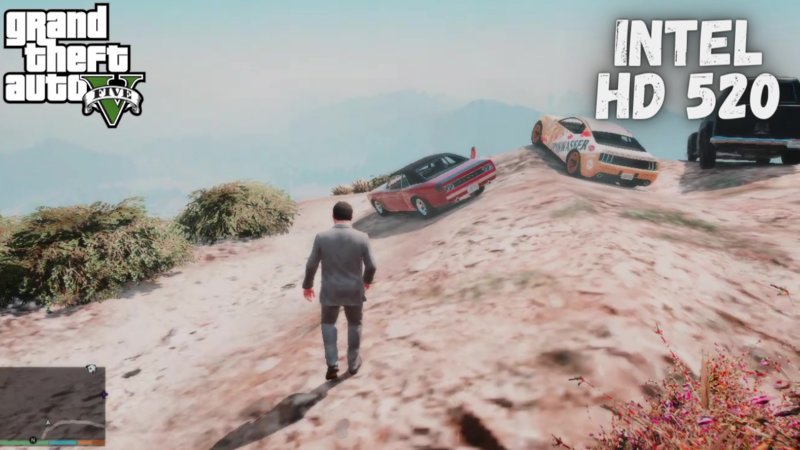
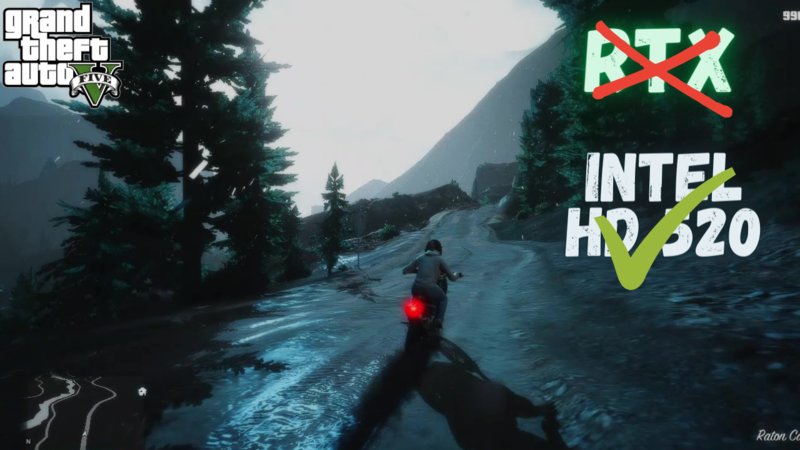
It will Give Game Clean & Colorful Look without FPS Drop, It will Look Awesome Also when you don't have an Graphics Mod Installed
It will Look Best if you Have Installed Natural Vision Evolved, QuantV, Redux Lite by Abhinav Modder & More
Installation- 1st Install Reshade Version 4.9 then Extract my Preset File & open the folder Extracted Copy "INVENTOR LS Vision.ini" & Paste it your Game Folder where "GTA5.exe" Located, After that open your Game & Press "Home" key on your Keyboard then at the top you will get "Reshade.ini" written click in it & Select "INVENTOR LS Vision.ini" Now your Graphics will Change without fps drop
Reshade 4.9 Link- shorturl.at/dABH2
Subscribe me on YouTube for More Such Mods for Low end PC- shorturl.at/psOR8
It will Give Game Clean & Colorful Look without FPS Drop, It will Look Awesome Also when you don't have an Graphics Mod Installed
It will Look Best if you Have Installed Natural Vision Evolved, QuantV, Redux Lite by Abhinav Modder & More
Installation- 1st Install Reshade Version 4.9 then Extract my Preset File & open the folder Extracted Copy "INVENTOR LS Vision.ini" & Paste it your Game Folder where "GTA5.exe" Located, After that open your Game & Press "Home" key on your Keyboard then at the top you will get "Reshade.ini" written click in it & Select "INVENTOR LS Vision.ini" Now your Graphics will Change without fps drop
Reshade 4.9 Link- shorturl.at/dABH2
Subscribe me on YouTube for More Such Mods for Low end PC- shorturl.at/psOR8
评论
目前已发表了 4 条评论。