GTA V / Mod / 脚本 Mod
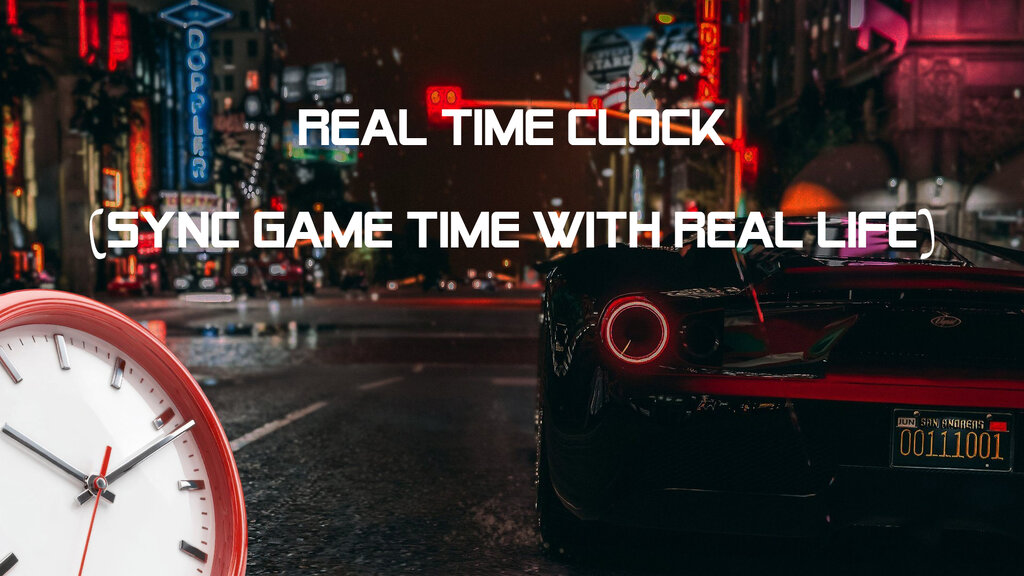
Real Time Clock (Sync Game Time with Real Life)
- NanaTamari | 上传者: NanaTamari
- 09/24/2026
- 54 下载量
评分:
请先登录。
收藏夹:
Videos

你需要先登录才能为该 Mod 添加视频。
描述
Real Time Clock (Sync Game Time with Real Life)
---
**Description:**
Have you ever felt immersed in Los Santos, only for the in-game time to completely mismatch your actual real-world clock?
**Real Time Clock** is a lightweight, stable, and highly customizable mod that synchronizes your Grand Theft Auto V time directly with your PC's real-world time (hours, minutes, and seconds), giving you an ultimate immersive experience!
---
**Features:**
* **1:1 Real-Time Sync:** Perfectly matches the in-game clock with your actual system time down to the second.
* **Customizable Speed:** Not a fan of strict 1:1 time? You can easily adjust how fast or slow a game minute passes using the configuration file.
* **Hotkey Control:** Press **`F7`** anytime in-game to toggle the mod ON or OFF instantly, complete with clean on-screen status notifications.
* **Crash-Free Stability:** Built cleanly and optimized to work seamlessly across game builds without any fatal crashes or black screens.
---
**Hotkeys:**
* **`F7`**: Toggle the mod ON / Disabled.
---
**Configuration (`RealTimeClock.ini`):**
You can customize the mod settings by opening the `RealTimeClock.ini` file located inside your `scripts` folder using any text editor (like Notepad):
```ini
[SETTINGS]
Enabled = true
SecondsPerGameMinute = 60.0
```
* `Enabled`: Set to `true` to enable the mod automatically on startup, or `false` to start disabled.
* `SecondsPerGameMinute`: Defines how many real-world seconds equal one minute in the game. (Default is `60.0` for exact 1:1 real-time). Increase it to slow down time, or decrease it to speed it up.
---
**Requirements:**
* **ScriptHookV** (including `dinput8.dll` and `ScriptHookV.dll`)
* **ScriptHookVDotNet3** (.NET Framework 4.8)
---
**Installation:**
1. Download the archive file.
2. Drag and drop the **`scripts`** folder directly into your main GTA V directory (where `GTA5.exe` is located).
*(Make sure `RealTimeClock.dll` and `RealTimeClock.ini` are inside the `scripts` folder).*
3. Launch the game and press **`F7`** to enjoy real-time immersion!
---
评论
目前已发表了 0 条评论。