San Andreas / Mod / CLEO Mod
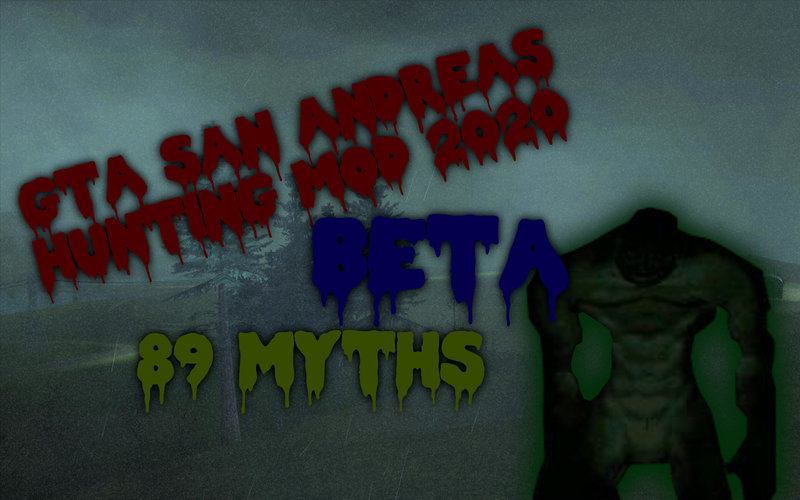
GTA SA Hunting Mod 2020 (BETA V2)
- Fiven | 上传者: Fiven
- 06/28/2020
- 23935 下载量
评分:
请先登录。
收藏夹:
视频
尚未添加任何视频。你需要先登录才能为该 Mod 添加视频。
描述
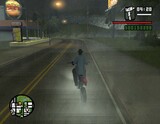
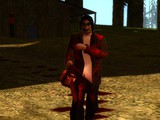
Welcome to the BETA version of the mod!
It contains:
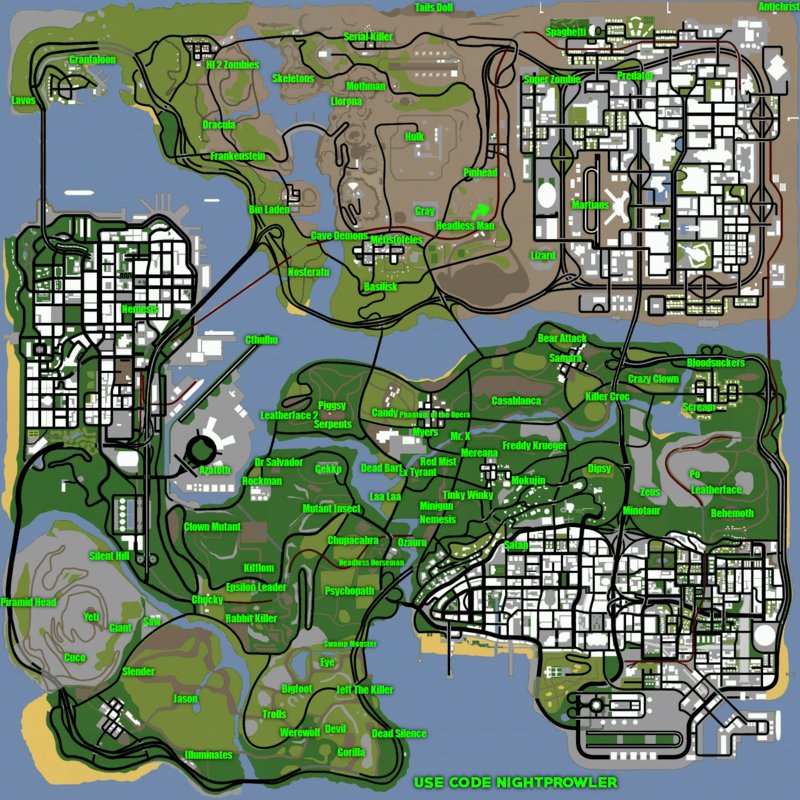
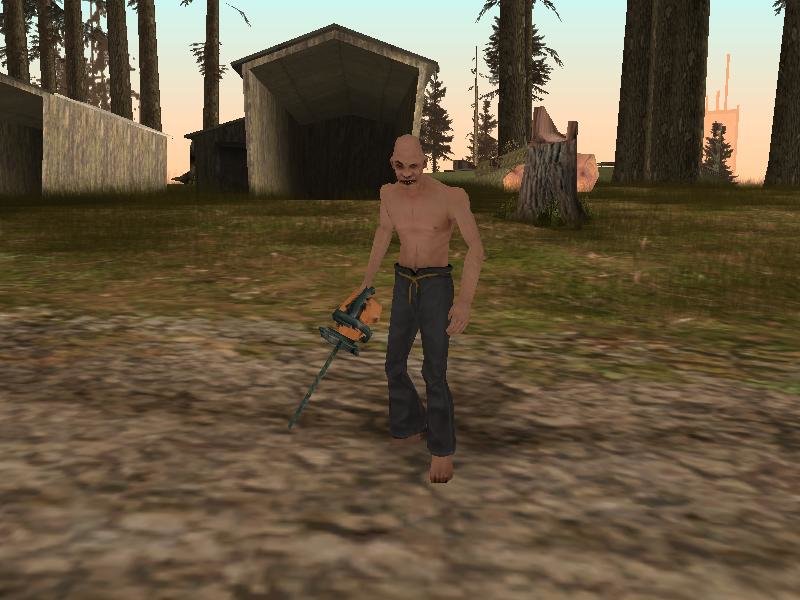
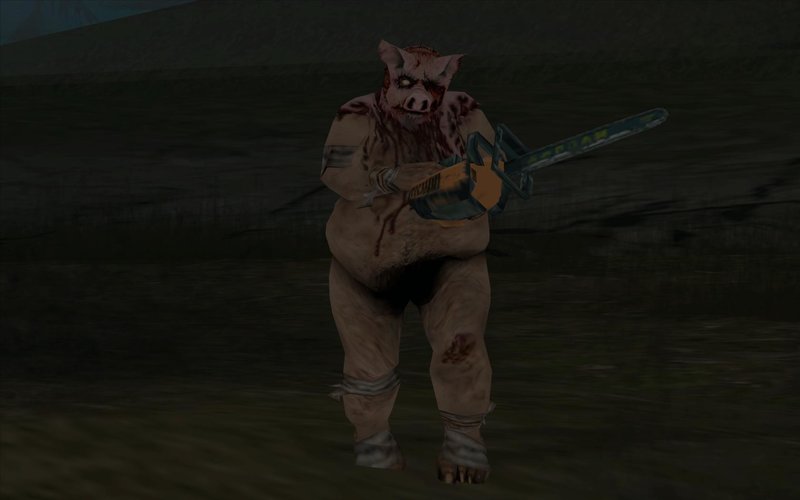
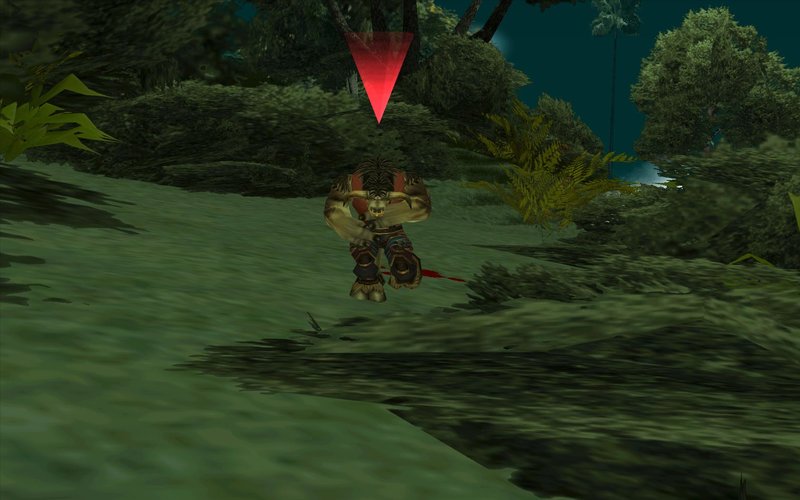
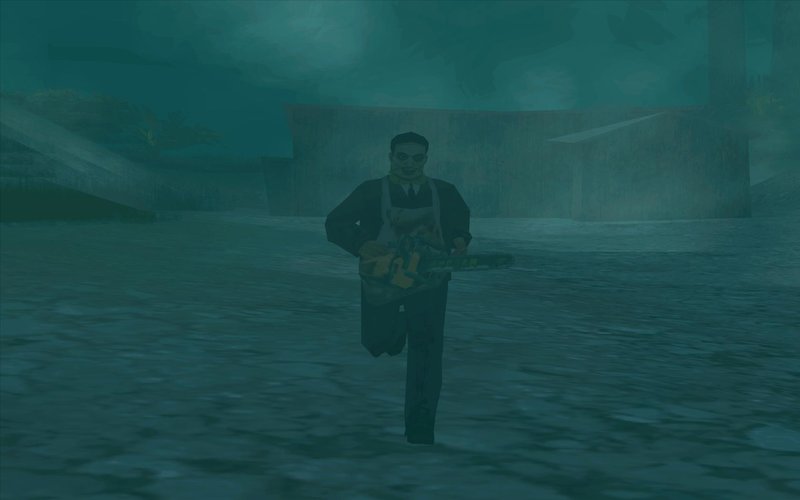
-89 Myths
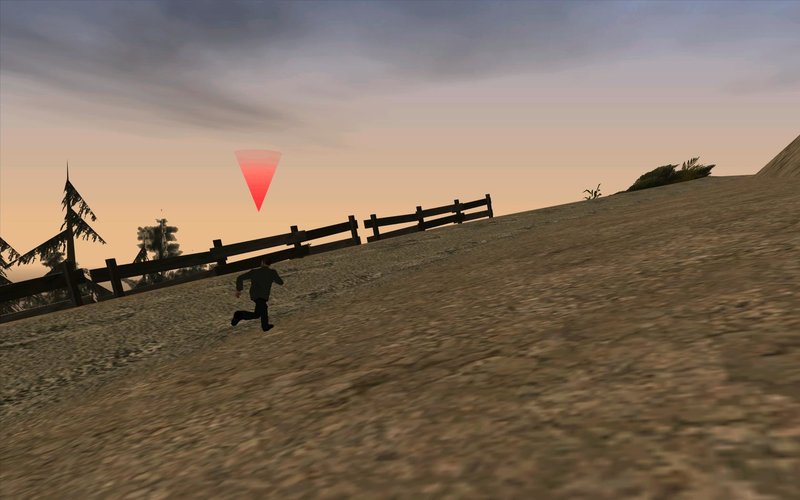
-Location map
-Good built mods
And even more!
---HOW TO INSTALL!---
You need CLEO4 installed in your game to install my mod
1.Put all .cs files from CLEO to "cleo" folder located in your game folder
2.Put all .fxt files from "cleo_text" to the cleo_text folder located in your game folder
3.Put "Themes" in cleo folder located in your game folder
4.Open your IMG Editor (IMG Tool, Alci's IMG Editor etc.)
5.Open gta3 located in "models" in your game folder
6.Add (Import) all .dff's and .txd's
7.Replace (Or Import (remove if exists) in Alci's IMG Editor) all the .dff's and txd's with the ones that i gave you in "Replace in gta3"
7.Click Rebuild Archive (IMG Tool) or Save (Alci's IMG Editor)
8.Close the IMG Editor
-------------------------------------
Have fun!
It contains:
-89 Myths
-Location map
-Good built mods
And even more!
---HOW TO INSTALL!---
You need CLEO4 installed in your game to install my mod
1.Put all .cs files from CLEO to "cleo" folder located in your game folder
2.Put all .fxt files from "cleo_text" to the cleo_text folder located in your game folder
3.Put "Themes" in cleo folder located in your game folder
4.Open your IMG Editor (IMG Tool, Alci's IMG Editor etc.)
5.Open gta3 located in "models" in your game folder
6.Add (Import) all .dff's and .txd's
7.Replace (Or Import (remove if exists) in Alci's IMG Editor) all the .dff's and txd's with the ones that i gave you in "Replace in gta3"
7.Click Rebuild Archive (IMG Tool) or Save (Alci's IMG Editor)
8.Close the IMG Editor
-------------------------------------
Have fun!
评论
目前已发表了 14 条评论。